Web hosting, servers and software

Services

Explore Plans

SSD Virtual Servers (VDS / VPS)

Turkey location · KVM virtualization

SSD Virtual Servers (VDS / VPS)

Full-featured, full-performance VDS / VPS packages with the best virtualization solutions.

%99.9 uptime

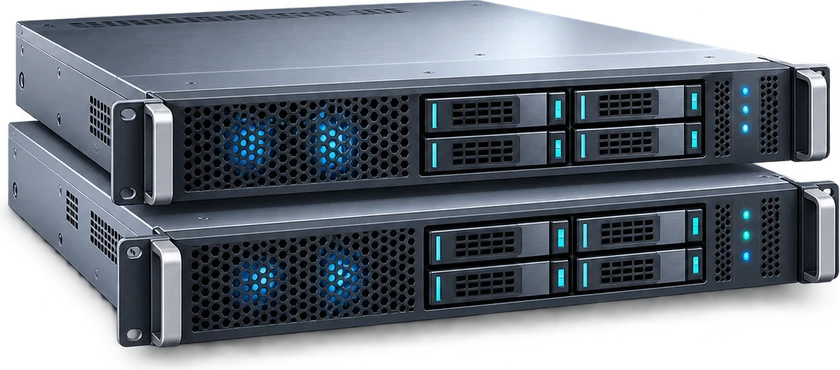
Temsili sunucu donanımı görseli

VDS XS SSD

%99.9 uptime

Main specifications

Hardware

CPU
Xeon Platinum · 1 vCPU
RAM
1 GB
Disk
20 GB SSD RAID
Network
1 Gbps
All technical details
  • Traffic: Unlimited*
  • IPv4: 1 included
  • Location: TR
  • Operating system: Selectable*

Monthly

£2.27

+ VAT
Buy Now

VDS S SSD

%99.9 uptime

Main specifications

Hardware

CPU
Xeon Platinum · 2 vCPU
RAM
2 GB
Disk
30 GB SSD RAID
Network
1 Gbps
All technical details
  • Traffic: Unlimited*
  • IPv4: 1 included
  • Location: TR
  • Operating system: Selectable*

Monthly

£3.80

+ VAT
Buy Now

VDS M SSD

%99.9 uptime

Main specifications

Hardware

CPU
Xeon Platinum · 2 vCPU
RAM
4 GB
Disk
40 GB SSD RAID
Network
1 Gbps
All technical details
  • Traffic: Unlimited*
  • IPv4: 1 included
  • Location: TR
  • Operating system: Selectable*

Monthly

£5.32

+ VAT
Buy Now

VDS L SSD

%99.9 uptime

Main specifications

Hardware

CPU
Xeon Platinum · 4 vCPU
RAM
8 GB
Disk
80 GB SSD RAID
Network
1 Gbps
All technical details
  • Traffic: Unlimited*
  • IPv4: 1 included
  • Location: TR
  • Operating system: Selectable*

Monthly

£9.90

+ VAT
Buy Now

Questions and answers

Frequently Asked Questions

Which resources should I compare?
Compare vCPU for processing, RAM for running services, and storage for files and databases. Check network and IP details too. Visitor count alone does not determine the resources an application needs.
How should I compare SSD and NVMe?
They are storage options. Consider NVMe for disk-intensive applications, but also compare capacity, memory and processor allocation. Disk type alone does not determine performance.
Is managed service included?
Server resources and system maintenance are separate services. Use the management, operating-system and licence options listed for your plan. Contact support if you need help with updates, service monitoring or configuration.
How do I choose an operating system?
Use the operating-system options available in the order configuration. If your application requires a particular version or licence, ask support before ordering.
How is backup handled?
Storage capacity is not a separate backup copy. Refer to your service description and agreement for backup, retention and restore conditions. State any additional backup requirement when discussing the service.
What happens during a reinstall?
Reinstalling erases current server data. New access details appear in the customer panel after the operation completes.
You have a new message